

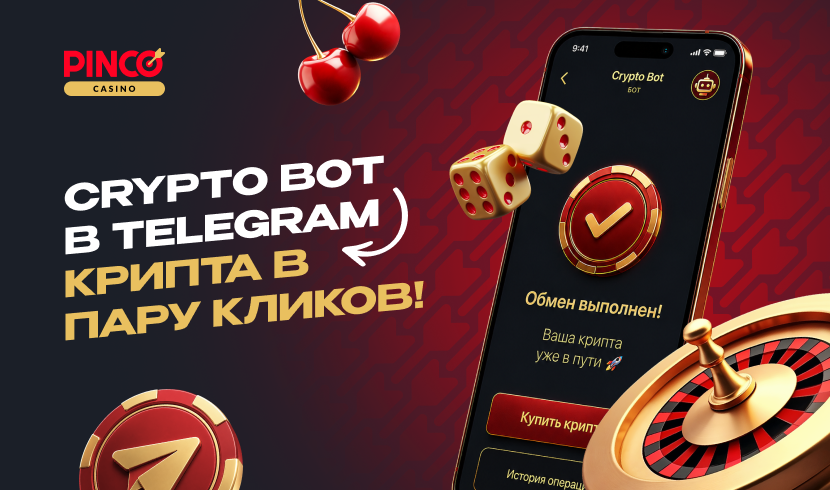
More and more gambling players prefer cryptocurrency for making deposits and withdrawing money. The reason is simple – it is easy, fast, convenient, and secure. Many operations can now be performed directly through Telegram. Against this backdrop, Pinco Casino has prepared a guide on using CryptoBot for buying, selling, and withdrawing crypto to a card.
How to Start the Bot and Get Started
First, you need to:
- Open the Telegram app on your device.
- Type @CryptoBot in the search. It will be the first in the list.
- Click “/Start”. This is necessary to begin working with the bot.
After starting, you need to click “Menu”, and then choose a wallet or transaction.
How to Create a Wallet in CryptoBot
So, the bot is running – great. Next, you need to create a wallet. Here’s how to do it:
- First, select the option “Create Wallet”.
- Follow the bot's instructions. Everything will be described on the screen.
- Be sure to save the seed phrase.
This is very important, as the seed phrase is needed to restore access to the wallet. Therefore, Pinco Casino advises keeping it in a secure place.
It is also important to note that the crypto wallet is linked to the Telegram account. If you lose access to your profile, you may also lose access to your funds.
Using the P2P Platform for Buying and Selling Cryptocurrency
Inside CryptoBot in Telegram, there is a P2P section for transactions between users.
Buying Crypto
The process of buying cryptocurrency goes as follows:
- Select the option “Buy”.
- Specify which cryptocurrency you want to purchase and for what amount.
- Choose a suitable offer from the list of sellers.
- Confirm the transaction and follow the further prompts from the bot.
Selling Cryptocurrency
To sell cryptocurrency through CryptoBot, you will need to:
- Click on the option “Sell”.
- Specify the coin and the amount.
- Select a suitable buyer's offer from the list.
- Follow the prompts inside the bot to confirm the operation.
During the transaction, it is important to pay close attention to the notifications from CryptoBot. All actions need to be confirmed in a timely manner to complete the transfer.
How to Transfer Cryptocurrency to Another Wallet
To send crypto through CryptoBot, you need to:
- Open Menu.
- Go to Wallet.
- Click the “Withdraw” button.
- Select the network for sending cryptocurrency.
- Enter the wallet address (the one you want to transfer coins to) in text.
- Follow the instructions to complete the operation.
At Pinco Casino, it is advised to check the receipt of funds not only through messages from CryptoBot. Additionally, it is better to open the bank app and ensure that the transfer has indeed been credited.
Conclusion
CryptoBot is a great way to work with cryptocurrency at Pinco Casino. Through the bot, you can top up your account, transfer coins, and withdraw funds to a card directly through Telegram. The main thing is to carefully check the data and confirm operations inside the bot in a timely manner.
Create a wallet in CryptoBot and keep access to crypto operations always at hand!













Comments 0
Please log in on the site, чтобы добавить комментарий, лайк или дизлайк.